

Survive. Adapt. Rebuild. Together.
When the sprint gets chaotic and deadlines start to bite, it’s time to gather your survival squad and face the undead challenges head-on.
Picture your team navigating a zombie apocalypse—where survival depends on quick thinking, collaboration, and learning from every encounter.
The Zombie Apocalypse Retrospective transforms your team's reflection session into an engaging, thematic adventure that makes discussing challenges, successes, and improvements feel fresh and exciting.
Instead of the usual retrospective format, team members explore what helped them "survive" (succeed), what "zombies" (obstacles) they encountered, what "supplies" (resources) they need, and how to "fortify their base" (improve processes).
The Zombie Apocalypse Retrospective is perfect for teams who want to inject energy and creativity into their reflection process. By framing challenges as survival scenarios, teams often discover insights they might miss in traditional formats.
The theme encourages creative thinking, builds team camaraderie through shared storytelling, and makes action items feel like critical survival strategies rather than mundane tasks.
What is The Zombie Apocalypse Retrospective
Survival Wins
What helped us survive and succeed this sprint?
Survival Wins represent the team's successes, effective strategies, and positive outcomes. This topic helps the team recognize what worked well and should be continued. Encourage team members to think about practices, tools, collaborations, or decisions that kept the team 'alive' and thriving during the sprint. Frame these as survival tactics worth repeating.
Zombie Horde
What obstacles and challenges attacked us?
The Zombie Horde represents obstacles, blockers, and challenges that threatened the team's progress. This is where the team identifies what went wrong or what slowed them down. The zombie metaphor makes it easier to discuss problems without blame—zombies are external threats, not personal failures. Encourage specific examples and help the team distinguish between different types of 'zombies' (technical debt, unclear requirements, resource constraints, etc.).
Survival Supplies
What resources or support do we need?
Survival Supplies represent the resources, tools, training, or support the team needs to be more effective. This topic focuses on identifying gaps and what would help the team 'survive' better in future sprints. Encourage the team to think broadly—supplies could be technical tools, knowledge, time, people, or process improvements. Help them be specific about what they need and why it would help.
Fortify the Base
How can we strengthen our defenses and improve?
Fortify the Base is where the team identifies concrete improvements and action items. This represents strengthening processes, practices, and team dynamics to be better prepared for future challenges. Focus on actionable items that address the zombies encountered and leverage the survival wins. Help the team prioritize which fortifications are most critical and ensure each has a clear owner and timeline.
Suggested icebreaker questions
- If the zombie apocalypse started right now, what one item from your desk would you grab as your survival tool?
- Which team member would you want in your zombie apocalypse survival group and why? What's their special skill?
Ideas and tips for your retrospective meeting
- Embrace the theme fully by using apocalypse language throughout the session. Refer to yourself as the 'survivor leader' and encourage team members to stay in character—it increases engagement and psychological safety.
- Watch for blame language disguised as zombie talk. If someone says 'the zombie that is John's code,' redirect to focus on the situation, not individuals. Keep zombies external and systemic.
- Time-box each section to maintain energy and momentum. Apocalypse scenarios are urgent—use a visible timer to create that sense of focused intensity without letting discussions drag.
- Prioritize the 'Fortify the Base' actions ruthlessly. Not every fortification can be built immediately. Help the team identify the 2-3 most critical improvements that will have the biggest impact on survival.
- Use voting or dot-voting to identify which zombies were most threatening and which fortifications are most urgent. This ensures the team focuses on what matters most rather than trying to address everything.
- End on a high note by reviewing the Survival Wins and celebrating the team's resilience. Acknowledge that they've survived another sprint and are stronger for it—this builds momentum for the next iteration.
.
How to run effective meetings with TeamRetro
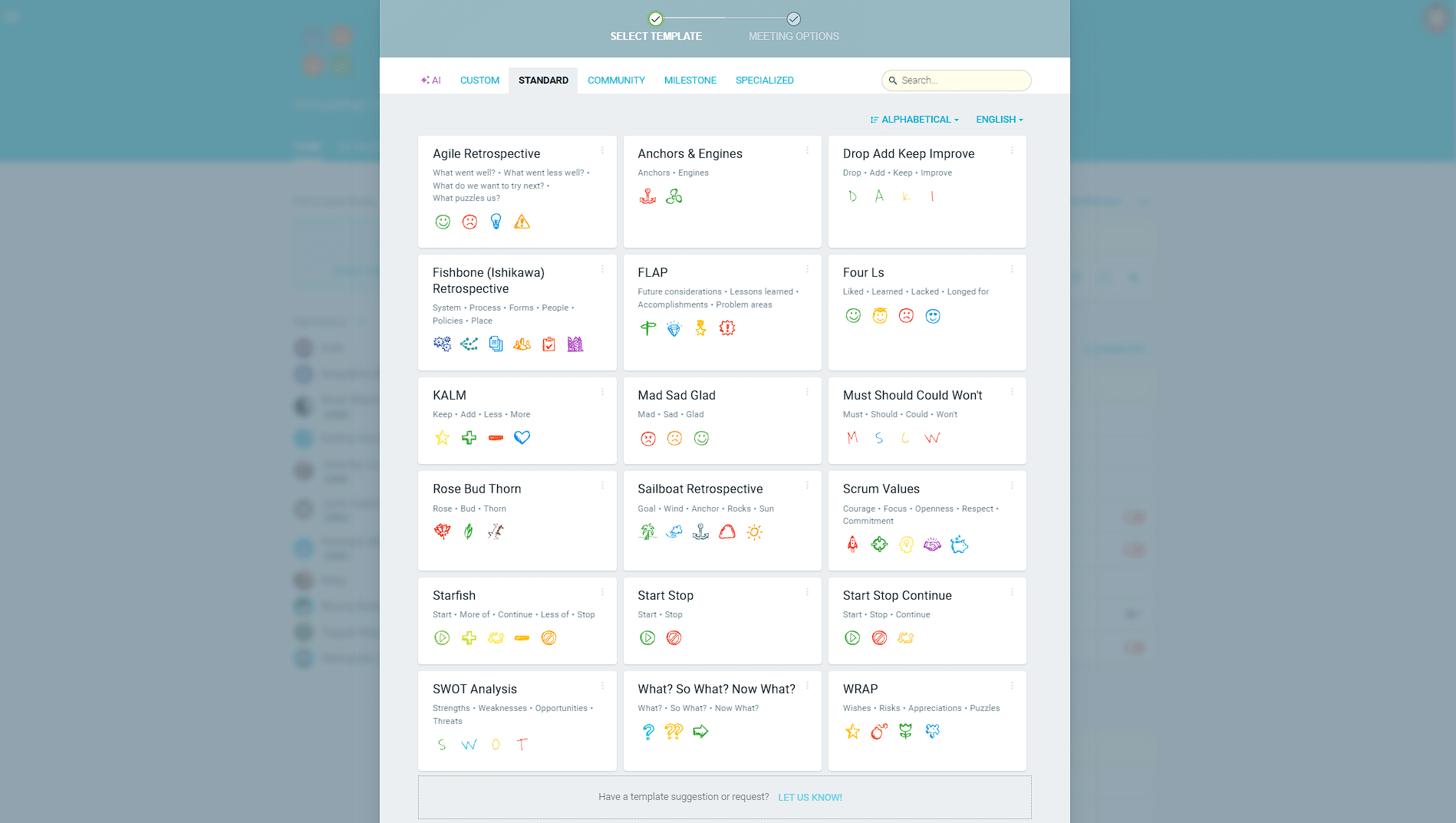
Start Your Session in a Click
Log into TeamRetro and choose your template. Customise questions and the workflow to create your perfect retro for your team.
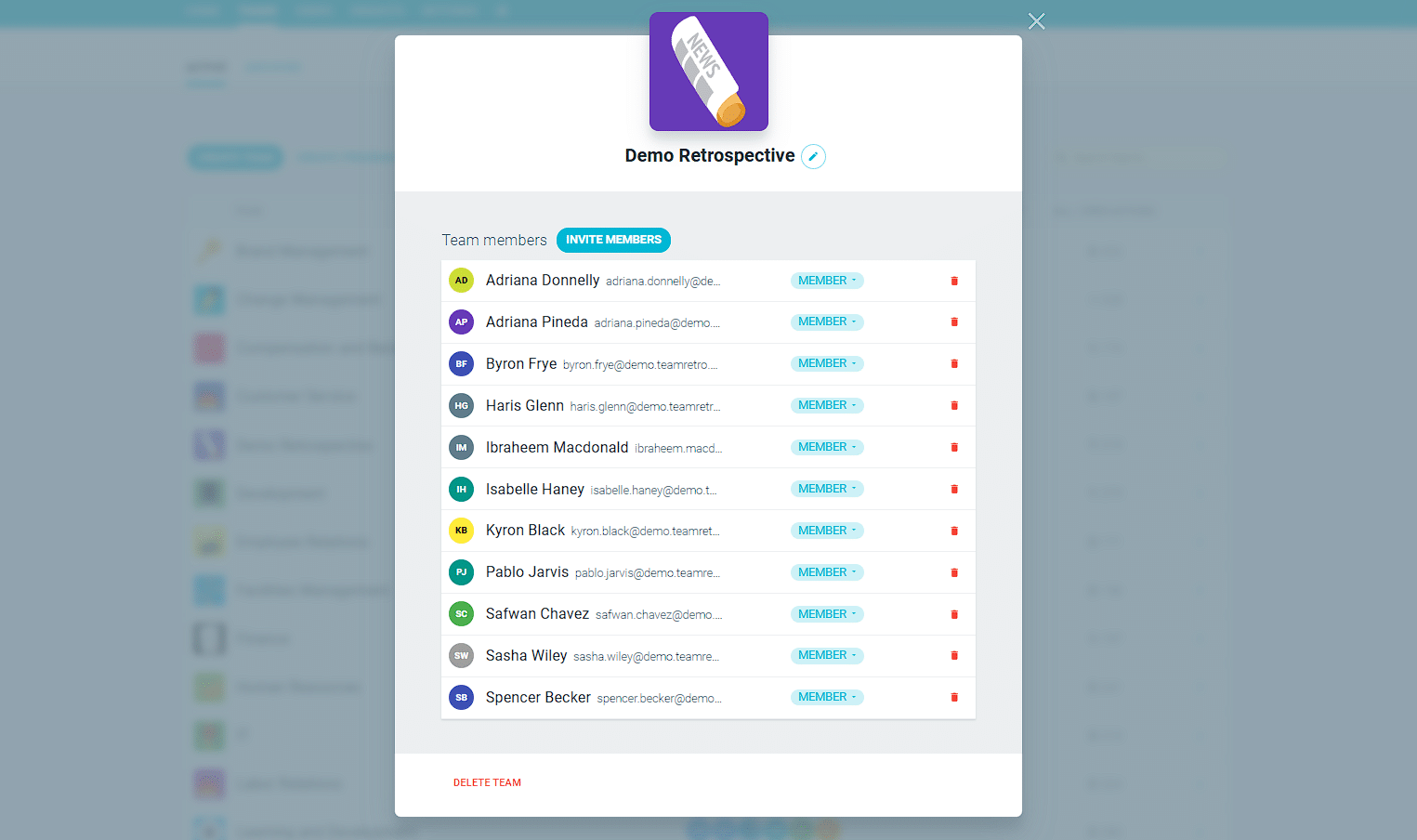
Create Your Team Easily – No Separate Accounts Needed
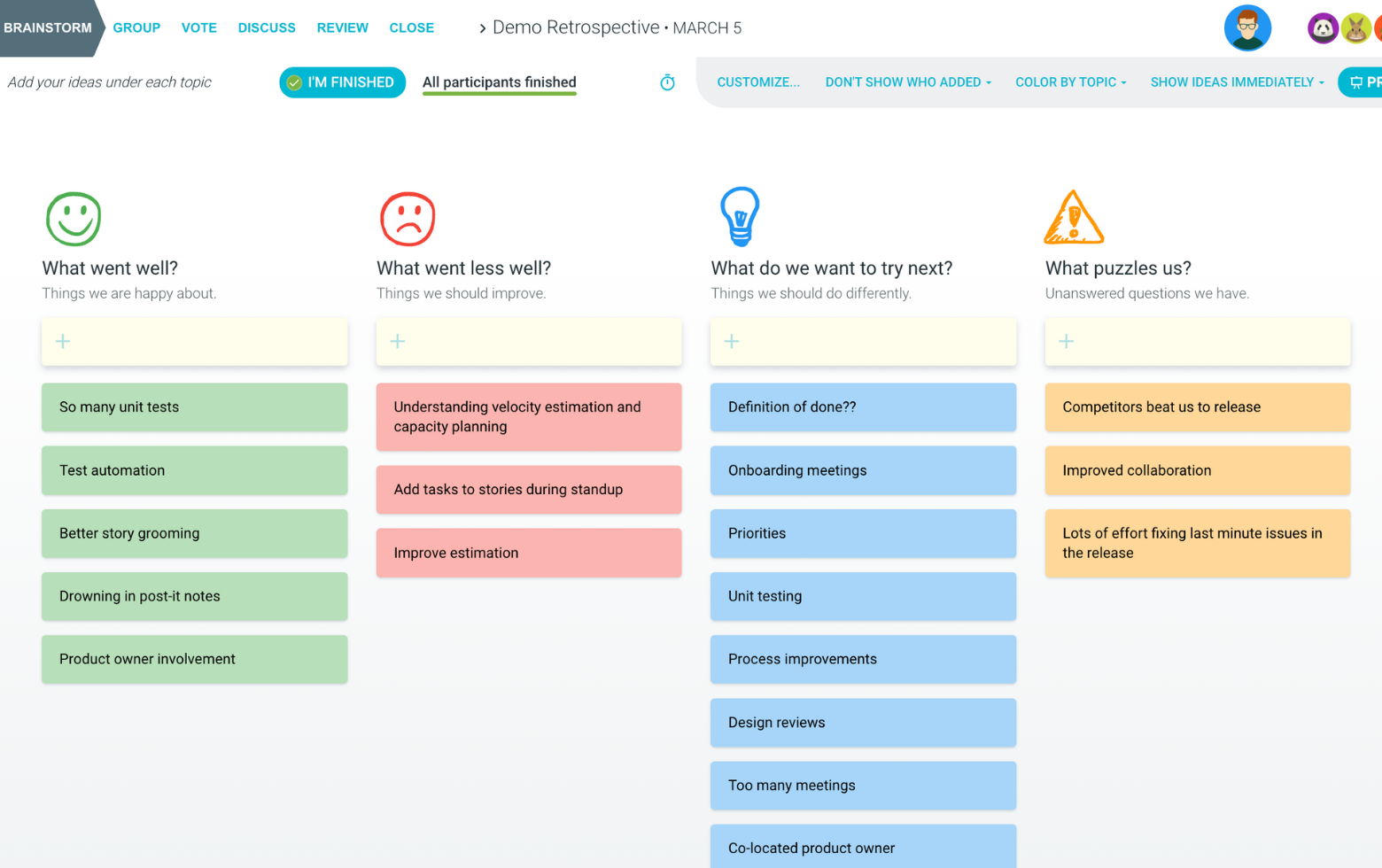
Brainstorm Individually – Free From Bias
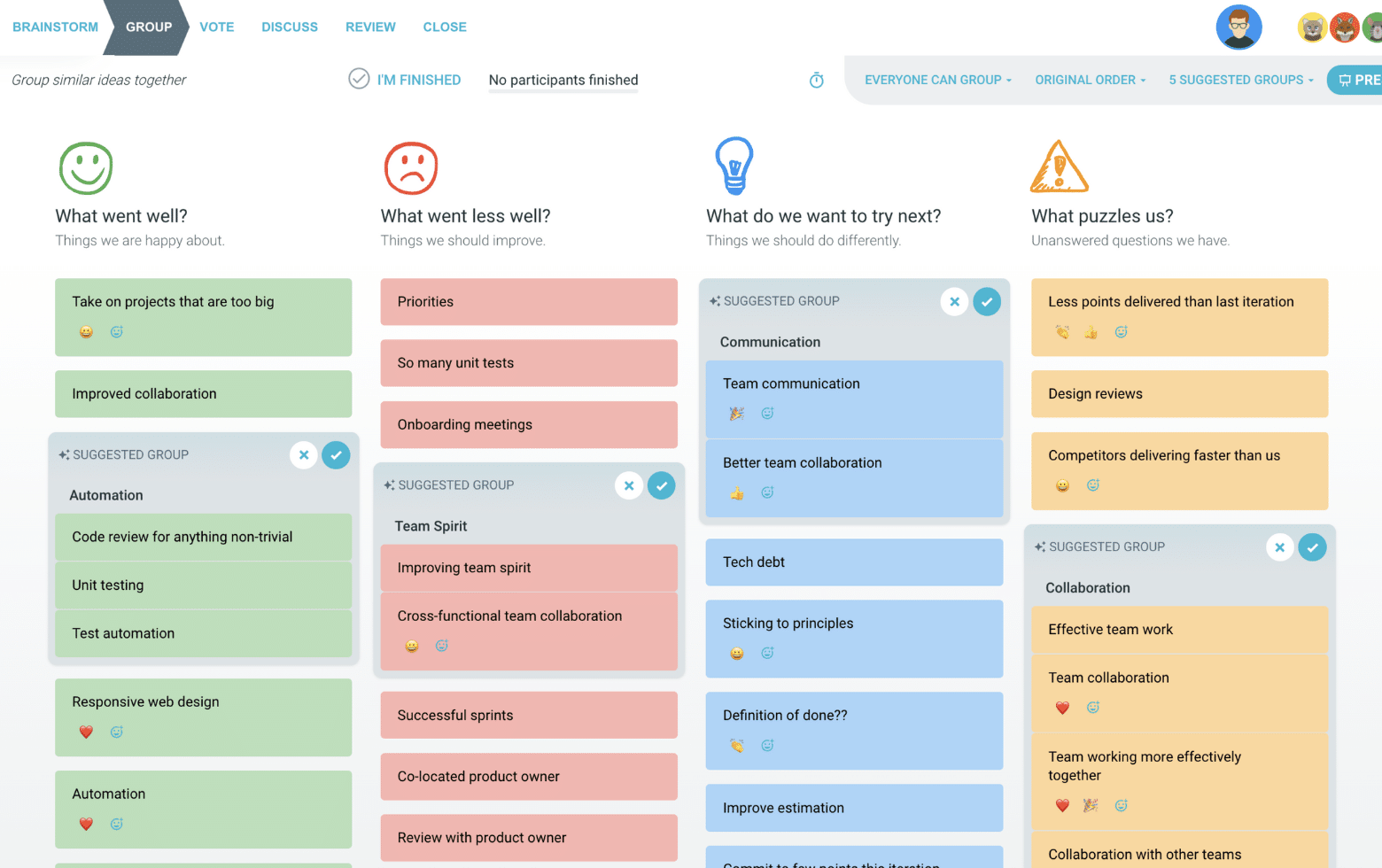
Smart Grouping for Faster Insights
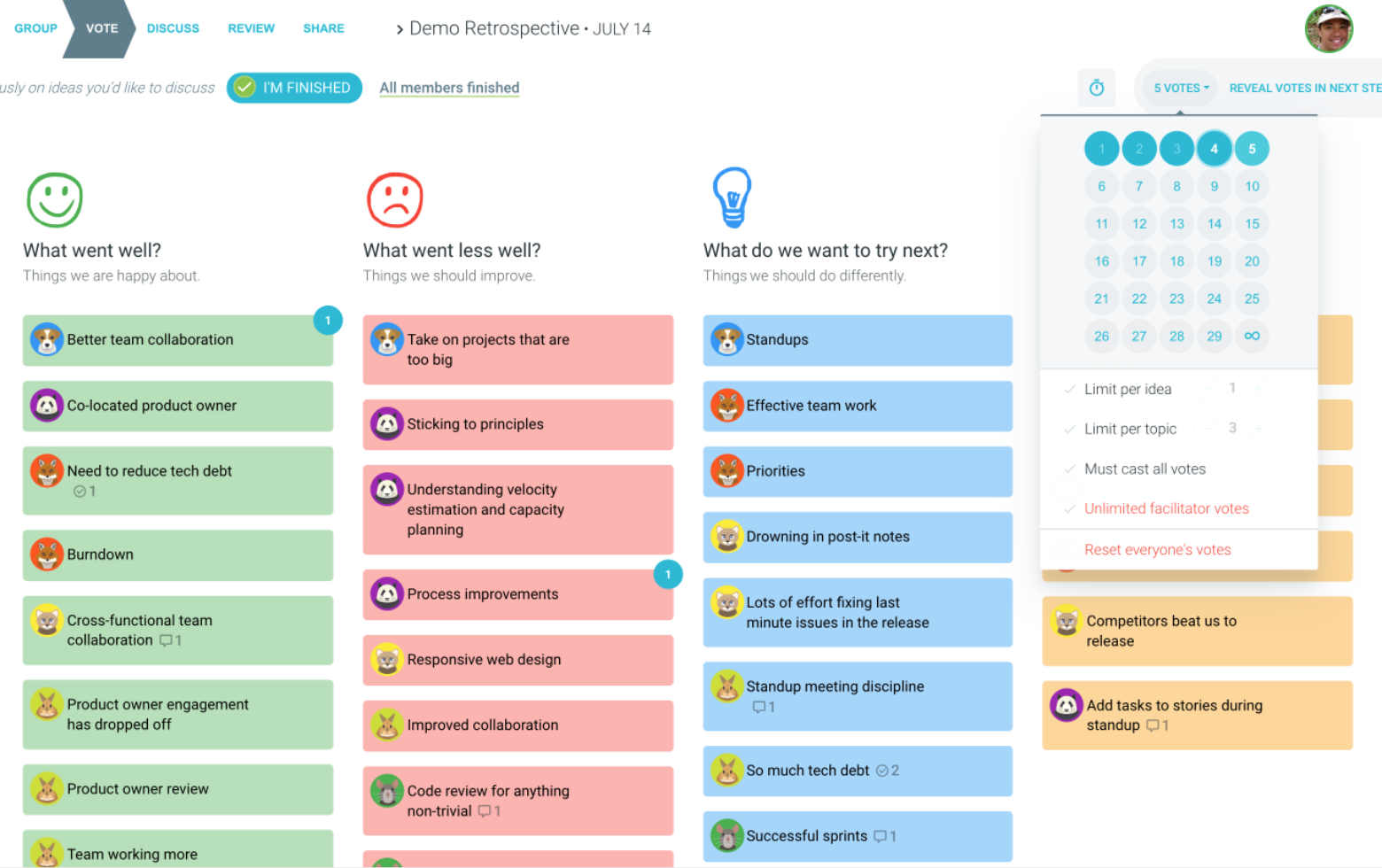
Fair, Flexible, and Fast Voting
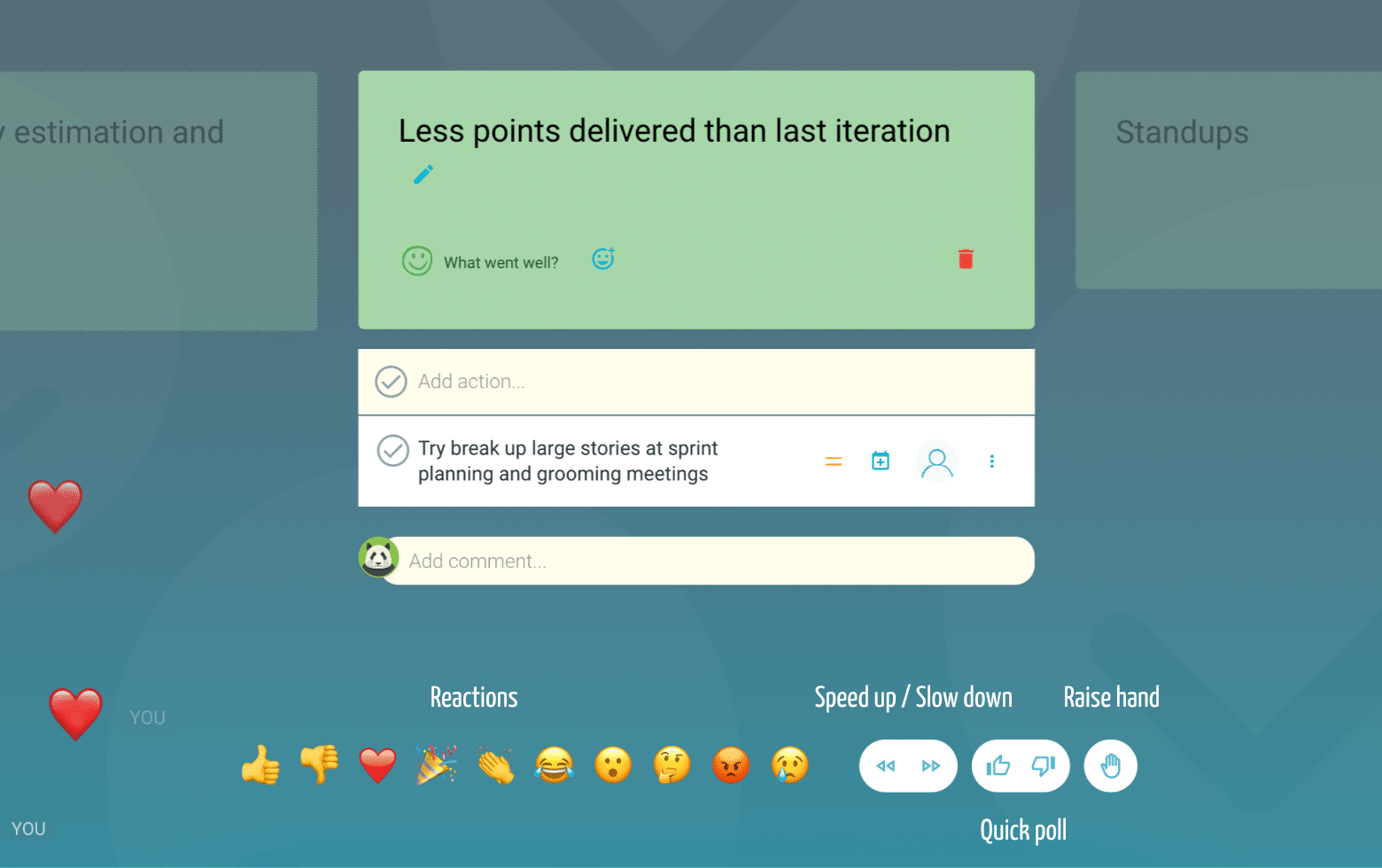
Engage, React, and Capture Key Insights
Walk your team through ideas one by one with Presentation Mode. Stay in sync, spark real-time discussions, and capture feedback with comments, live reactions, and polls—all in one place.
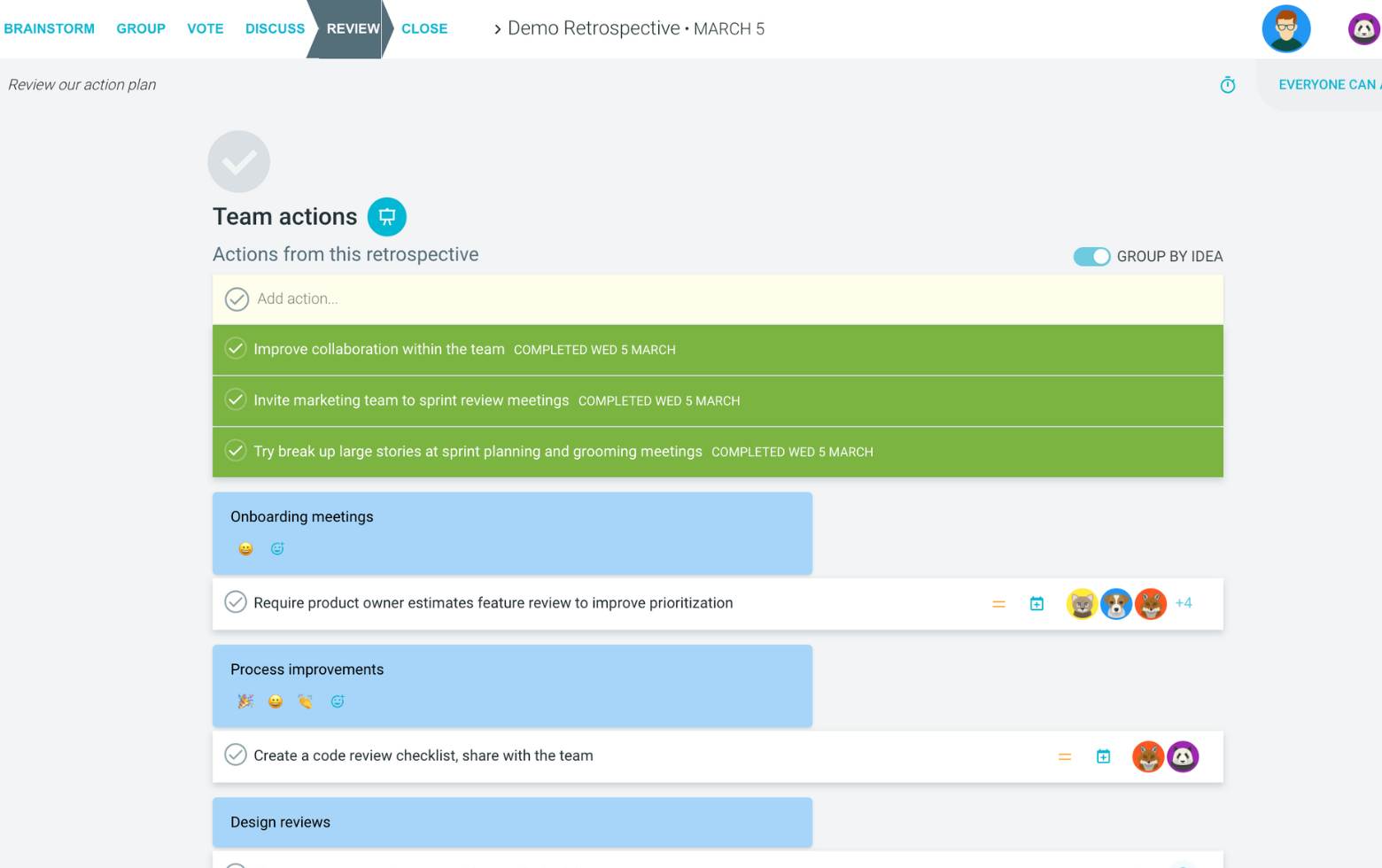
Turn Ideas Into Action
Propose next steps with team buy-in, get AI-powered action suggestions, and keep everything in one place. Committed actions sync to your personal dashboard and integrate with your workflow tools—keeping you on track.
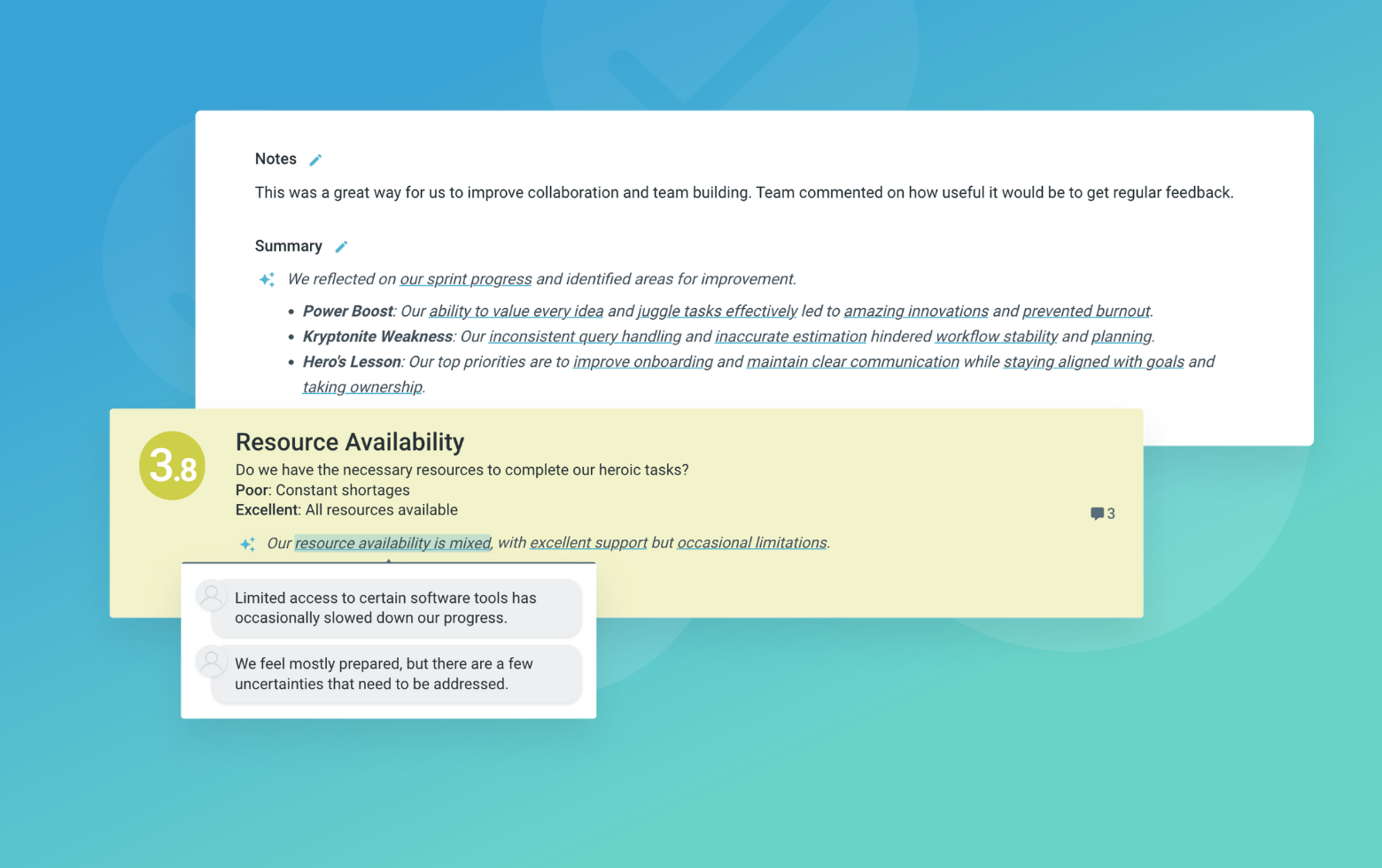
Save, Share, and Stay on Track
Get quick AI-powered summaries, add facilitator notes, and store retrospectives in your library for easy access. Schedule your next session and track published actions to keep your team accountable at the next retro.
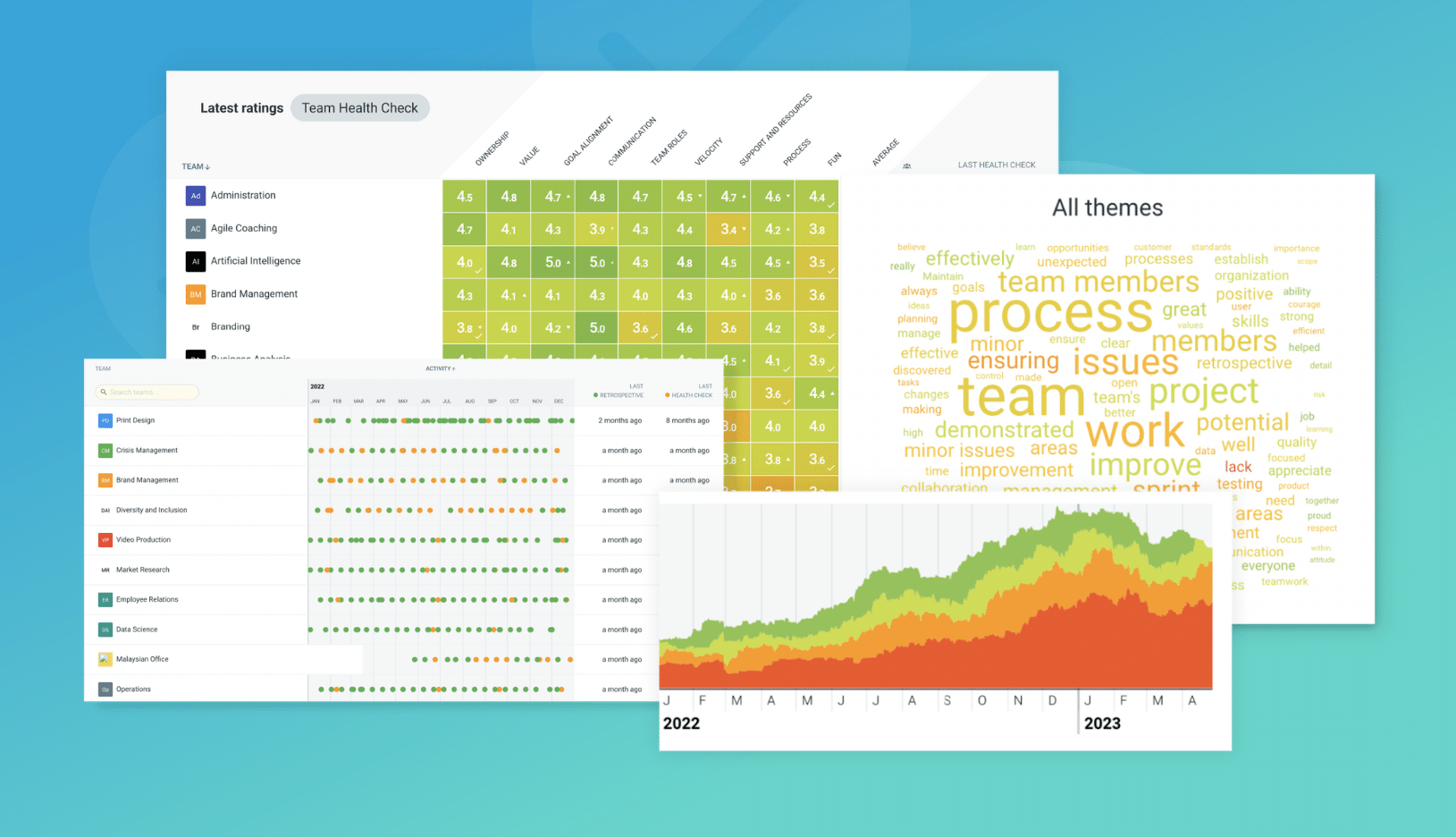
Turn Team Data into Actionable Insights
Uncover trends, common themes, and key engagement metrics at a glance. Track sentiment shifts, analyze conversations, and monitor completed actions to drive continuous improvement.